
From ideas to
production-ready
assets.
Start with an idea, script, client brief or reference image or existing project. the story, characters, presenters, environments, voice direction and production prompts — and create real visual assets you can review, refine and take into production.
Develop it. Preview it. Build the assets. Take it into production.

Creative Studio is compatible with all the AI Tools you already use!

What is Creative Studio?
Creative Studio is a connected workspace for developing an idea into real production assets, creative direction, and a plan you can actually use.
Start from scratch, bring in a script or brief, upload reference material, or reopen an existing project.
Then move directly into the part of the work you need.
Build the story, characters, presenters, environments, voice direction, visual references and production prompts in one connected workspace — then take those materials into the AI production tools you already use.
Develop here. Produce anywhere.
Go From Idea to Something You Can See, Review and Produce
Creative Studio gives you focused tools for different stages of the creative process.
Develop the Idea
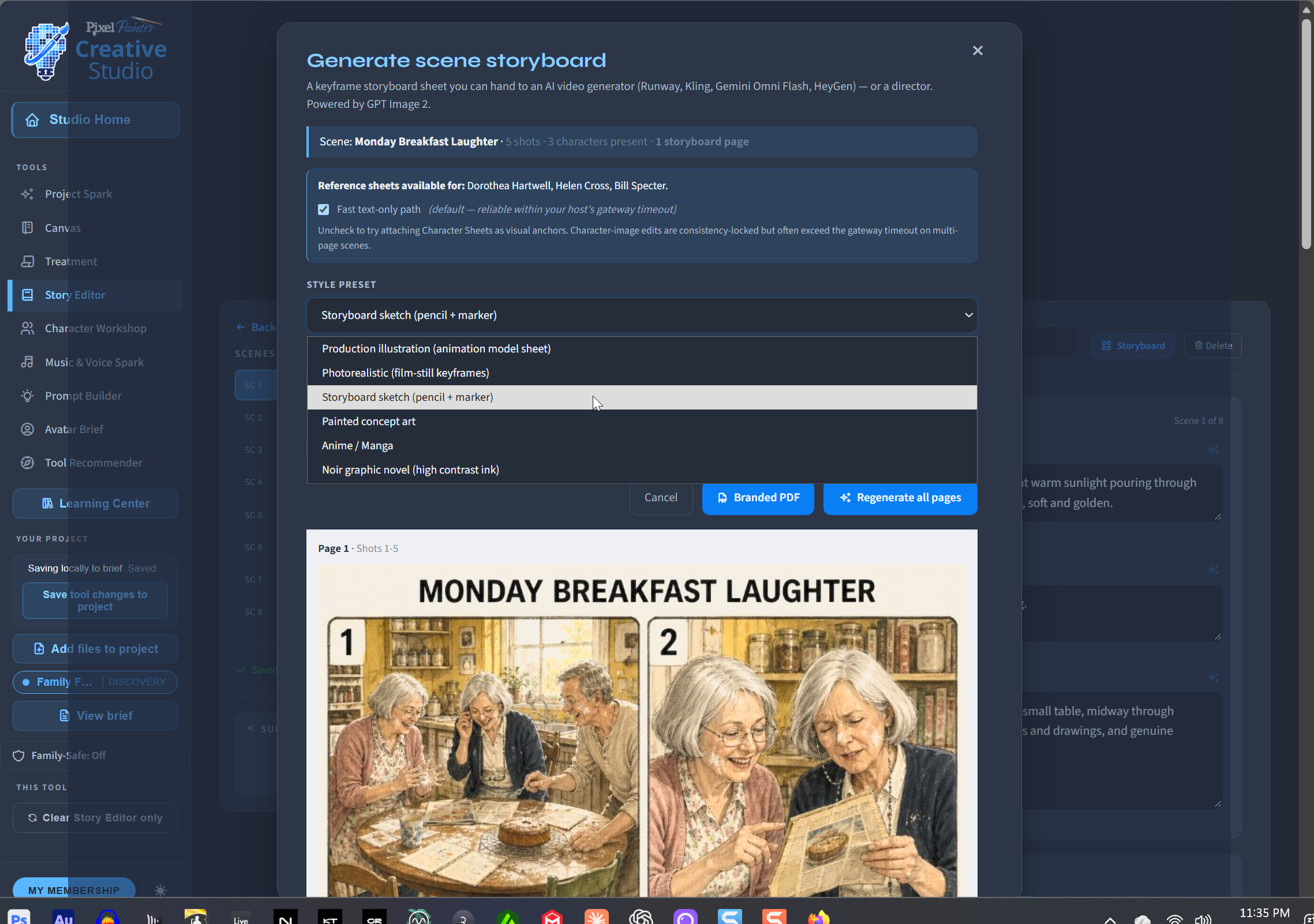
Use Project Spark, Treatment and Story Editor to turn a rough concept into a stronger premise, structure, scenes, story direction, or production plan.
Build the Characters
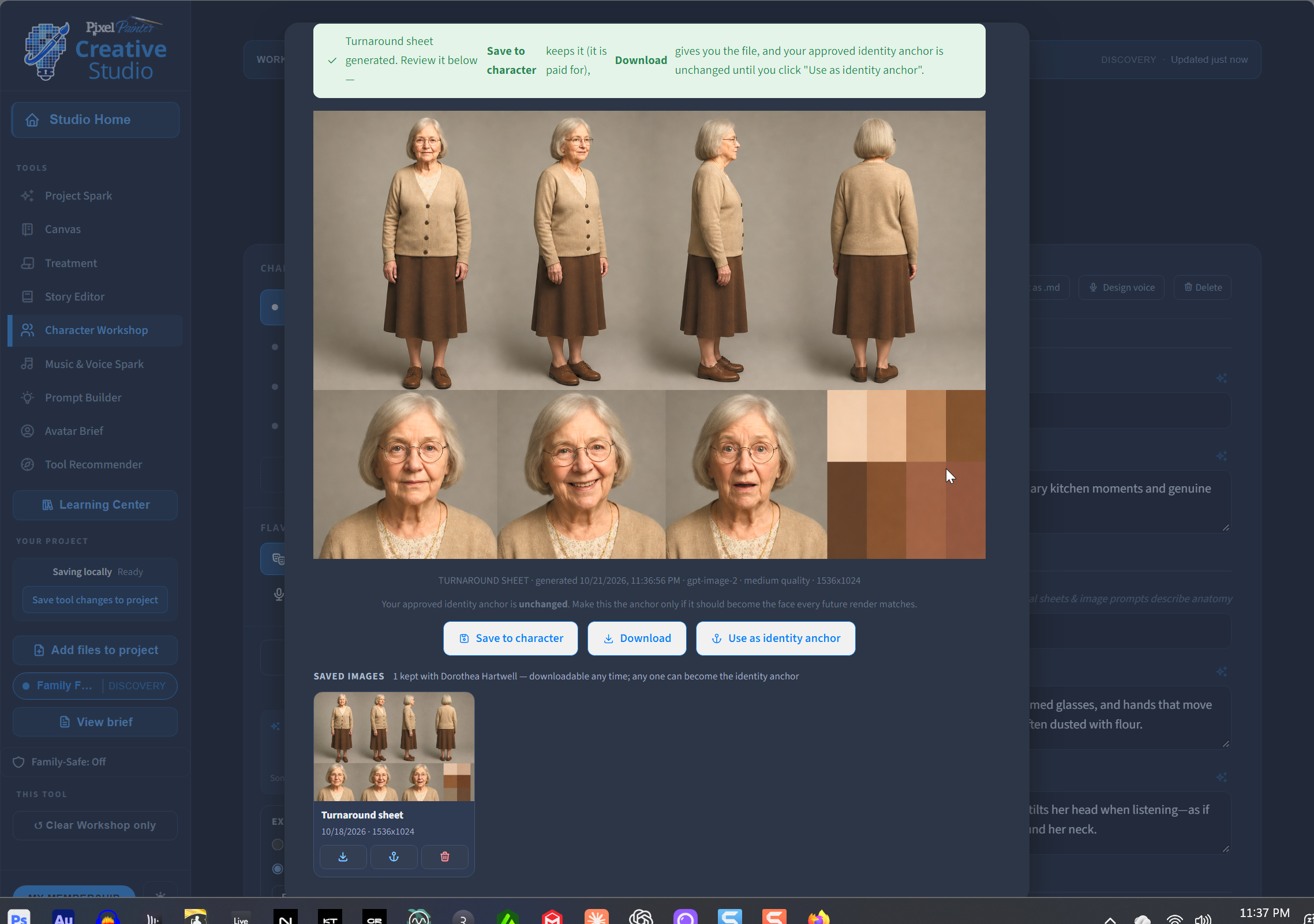
Use Character Workshop to develop characters, personalities, visual direction, reference images and consistent character sheets before production begins.
Create the Presenter
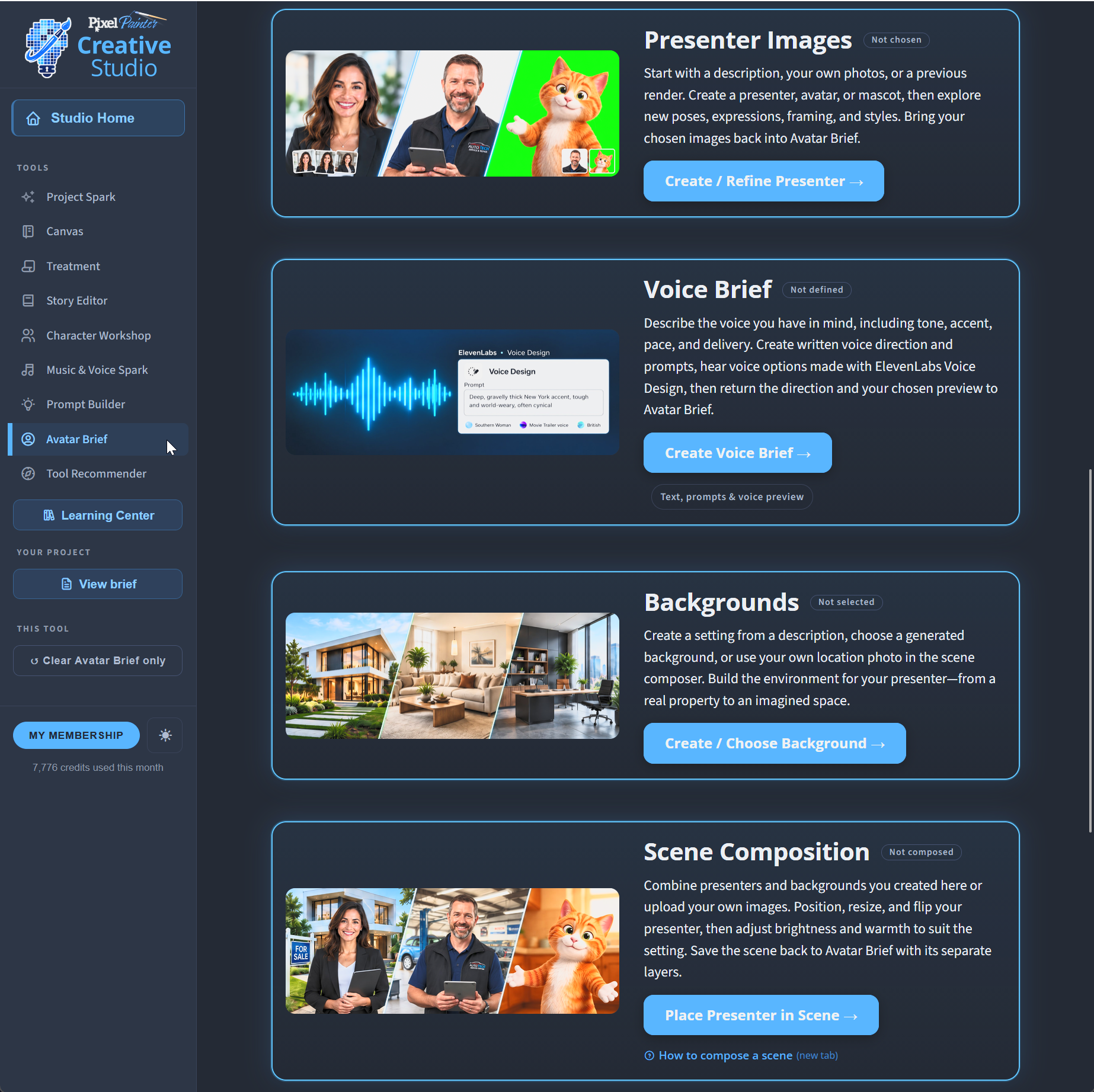
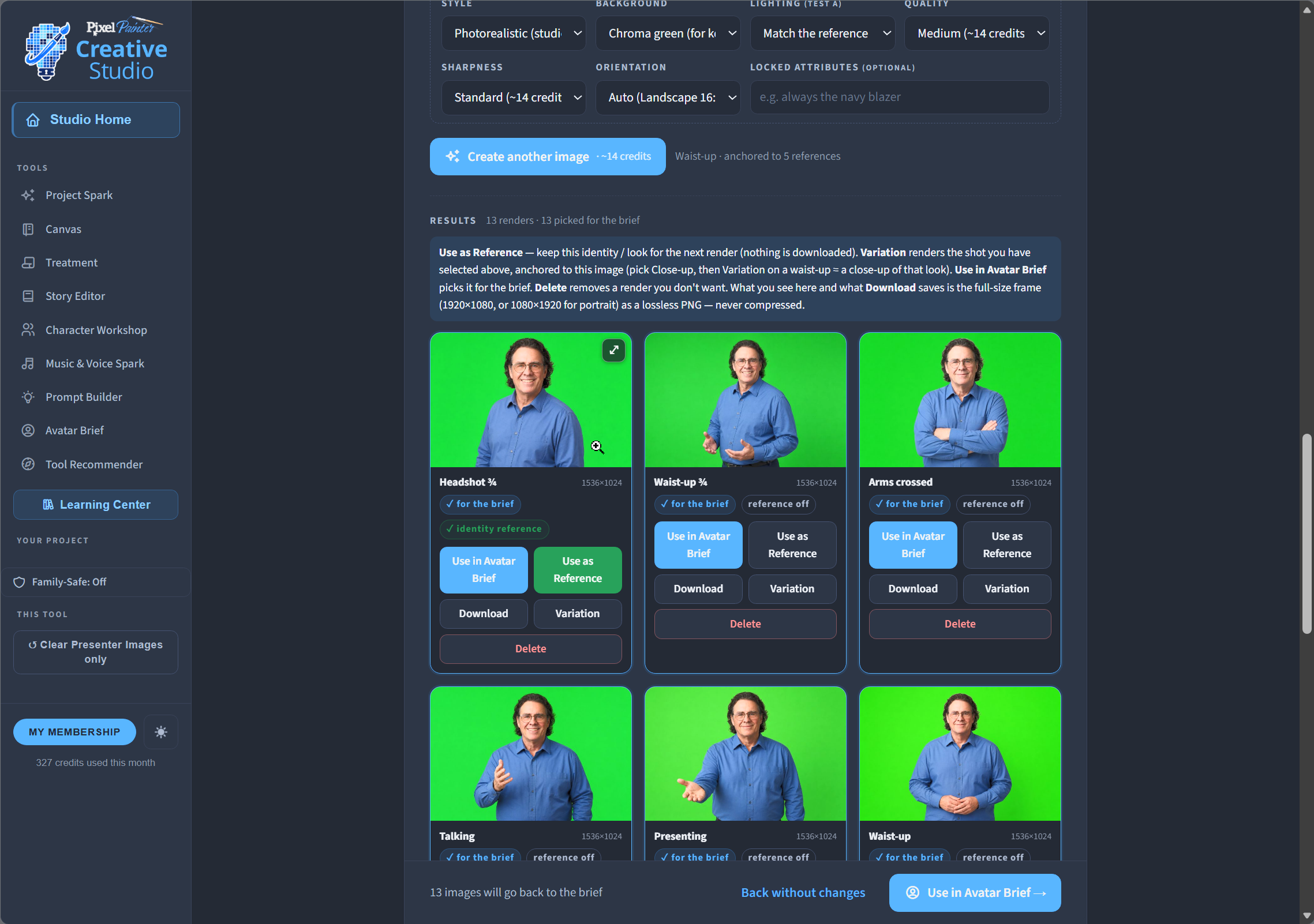
Use Presenter Images to create or refine a spokesperson, avatar, character or real-person likeness — then build the poses and looks you actually need.
Build the Environment
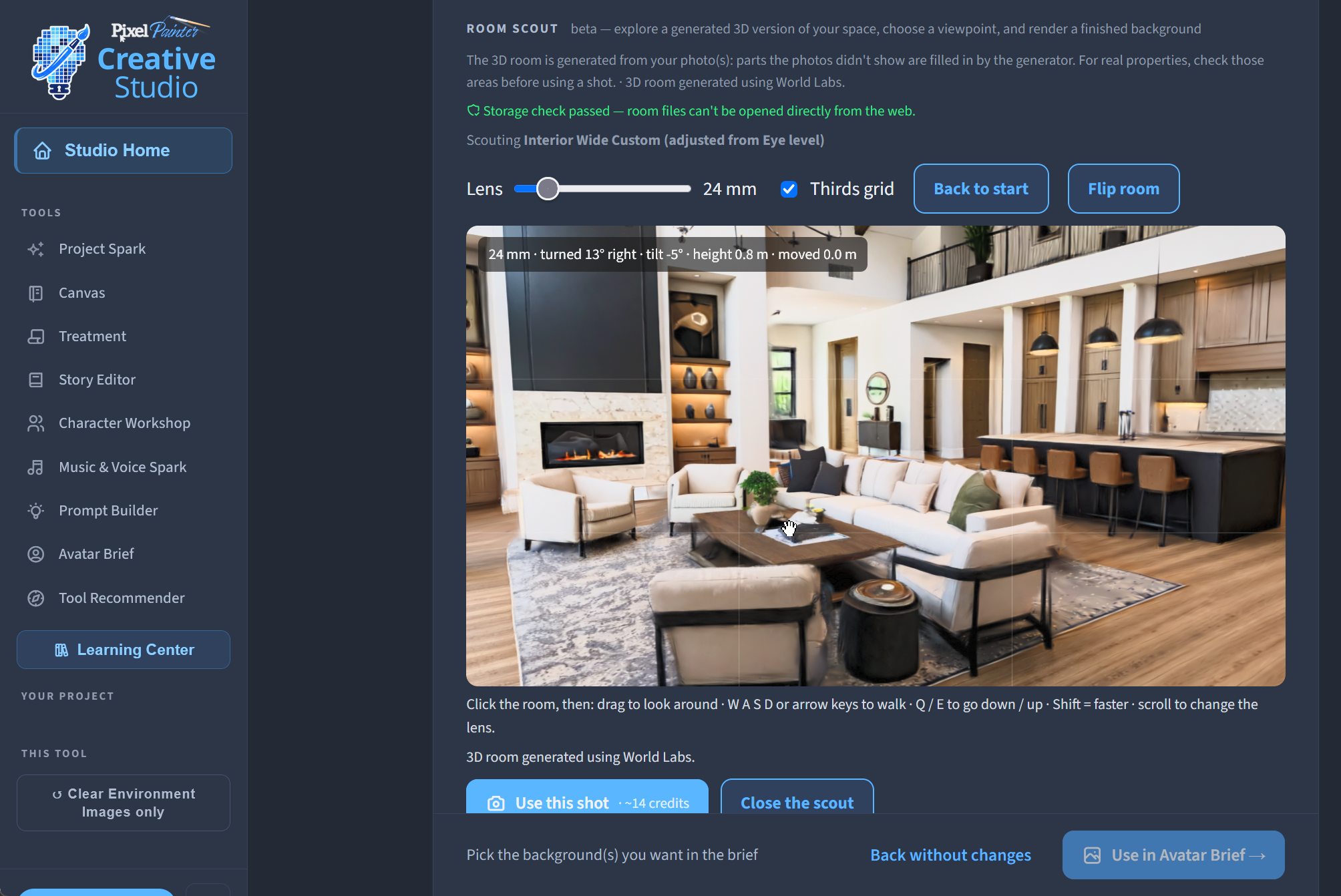
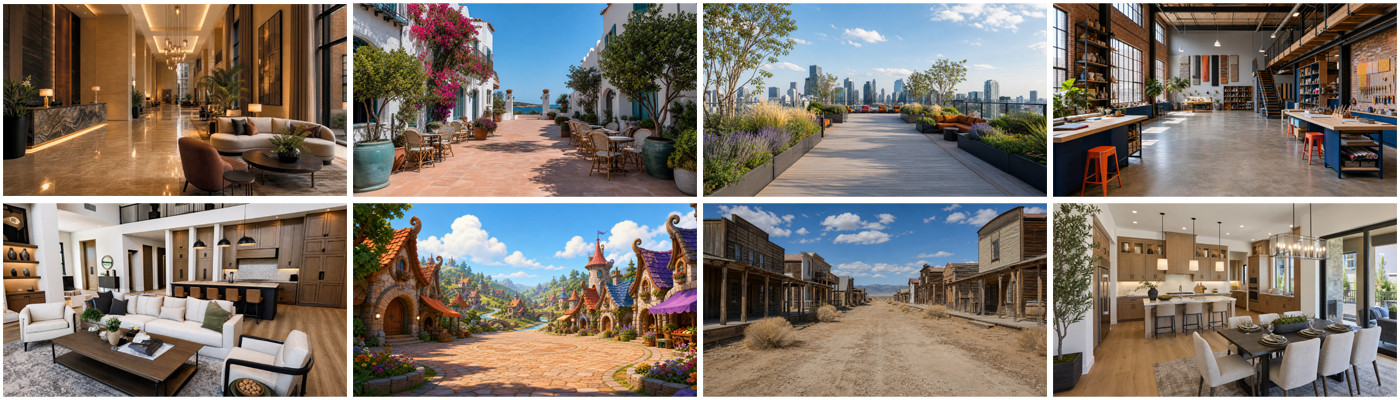
Use Environment Images to create locations, interiors, exteriors and visual settings — including new viewpoints and 3D Room Scout exploration when the project calls for it.
Bring Them Together
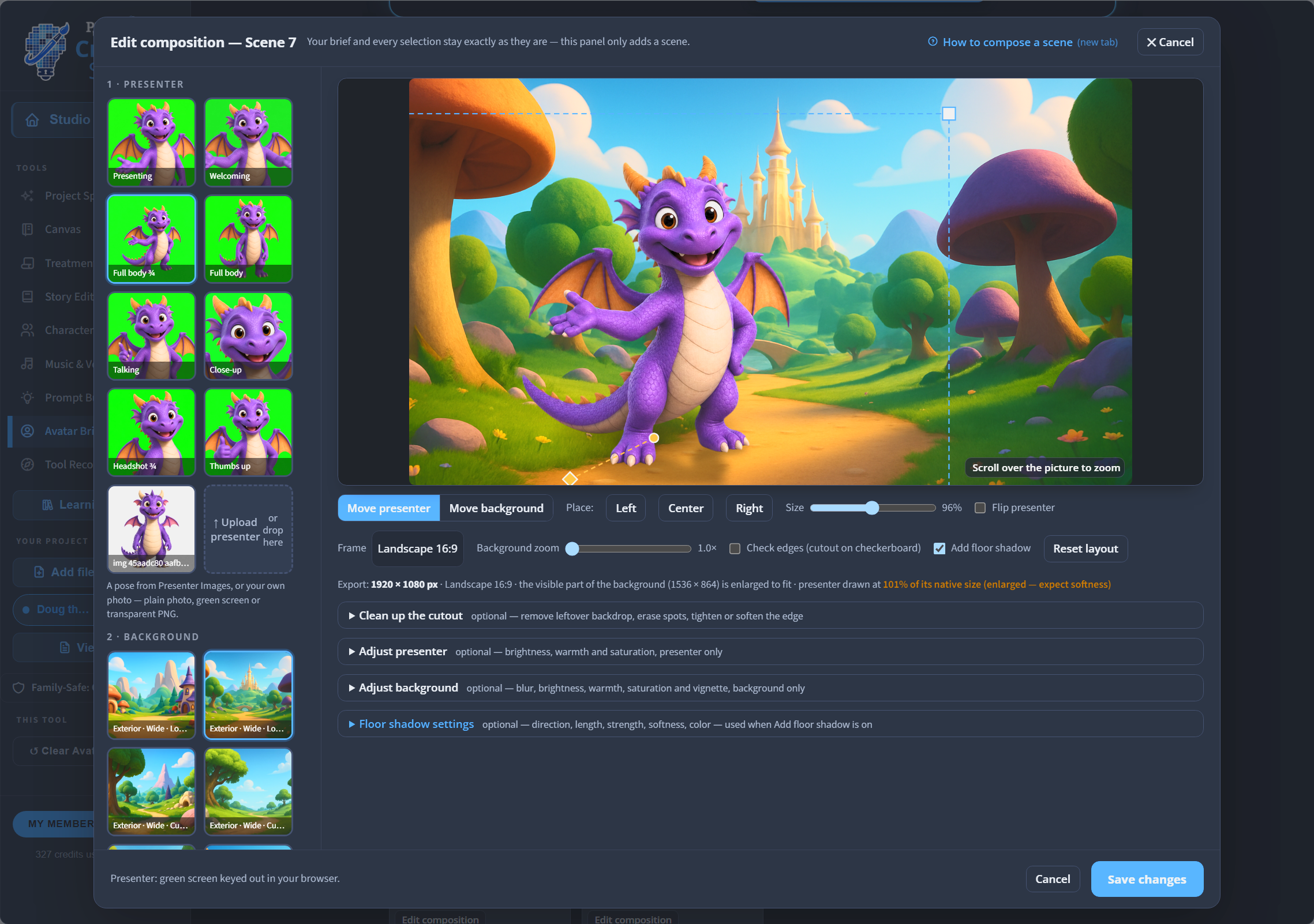
Use Scene Composition to place presenters or characters into environments, match scale and lighting, refine cutouts, add shadows and create finished scene images.
Develop Voice and Music
Use Music & Voice Spark and Avatar Brief voice tools to explore narration, character voices, music direction and the sound of the project before final production.
Build the Production Brief
Use Avatar Brief to organize the presenter, script, voice direction, environments, scenes and production instructions into a practical handoff for avatar and video tools.
Build Better Prompts
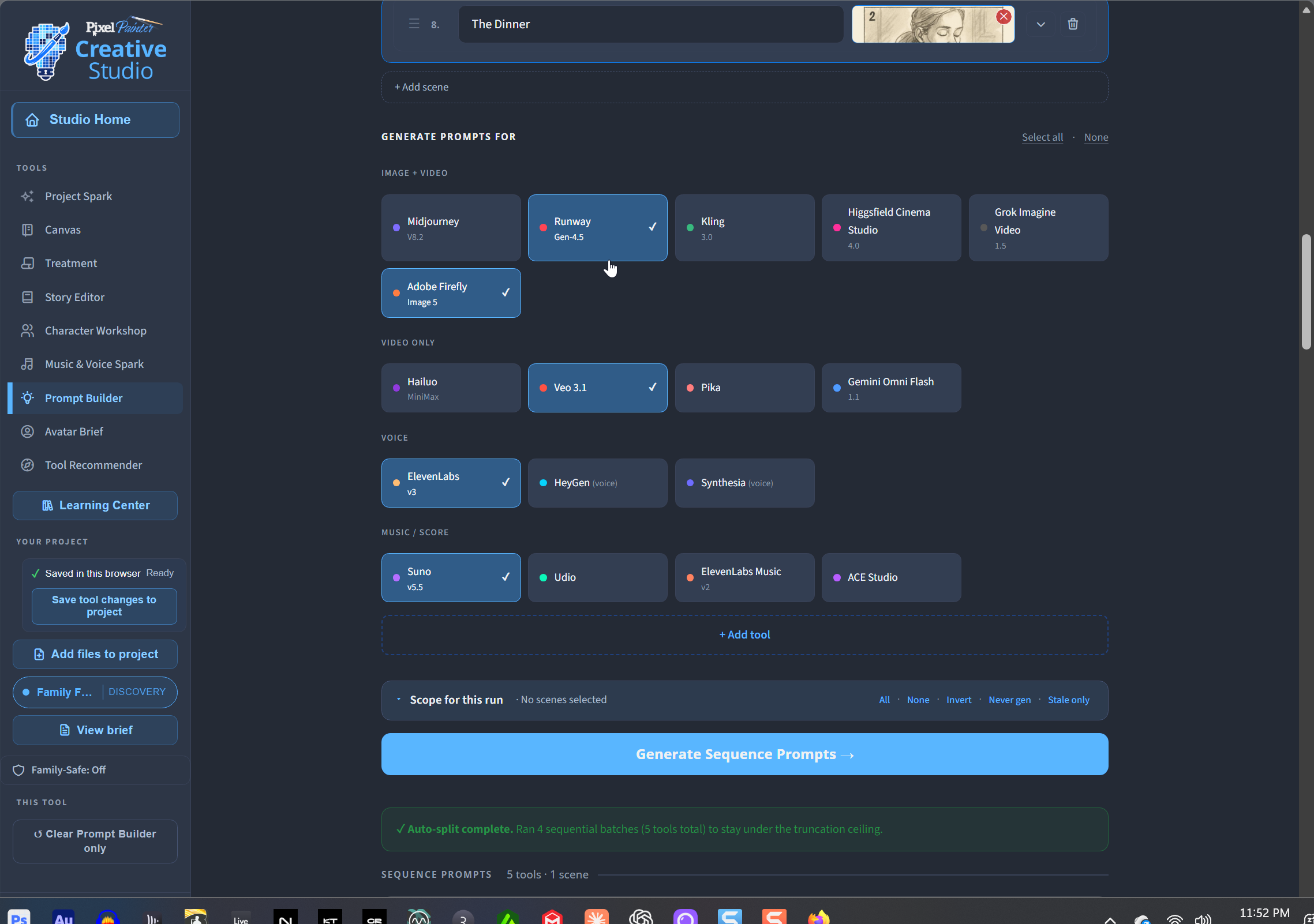
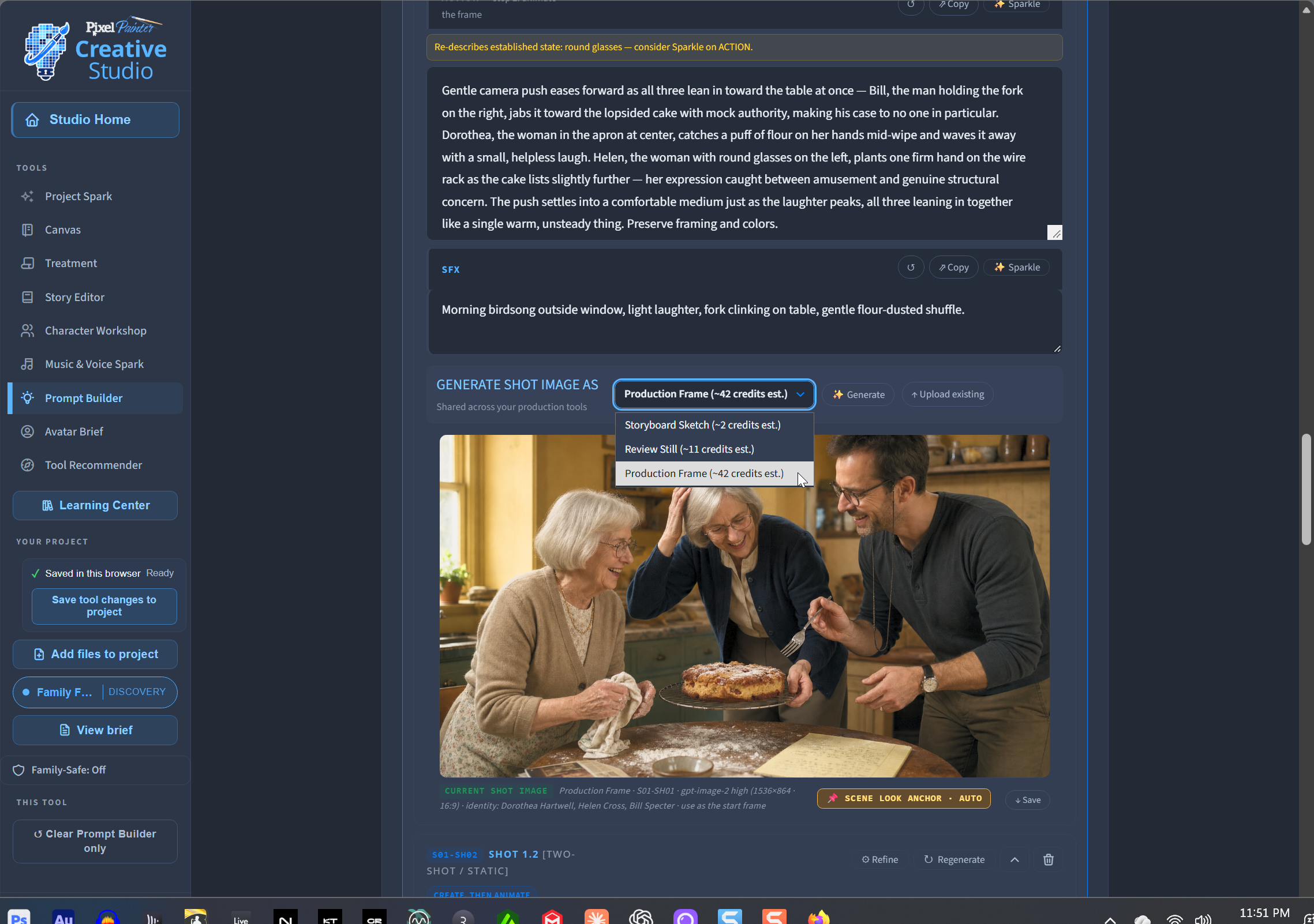
Use Prompt Builder to turn your creative decisions into structured prompts, production frames and shot direction for image and video generation.
Choose the Right Production Tool
Use Tool Recommender to compare AI platforms based on what you are actually trying to make — including capabilities, workflow and estimated cost.
Solve the Problems That Slow AI Production Down
Creative Studio helps when:
- You have an idea but do not know where to begin.
- You have a script but still need characters, visuals or production direction.
- Your character or presenter keeps changing from one generation to the next.
- You need to see a scene before spending time and credits producing it.
- You keep repeating the same project information across different AI tools.
- You are not sure which image, video, avatar, voice or music platform fits the job.
- A client or team needs something concrete to review before production.
- You want to preserve the project even when the production tools change.
The goal is not more AI output. It is better creative decisions before you generate the final media.
Start With Whatever You Have
There is no required path.
Start with:
- an idea,
- a script,
- a client brief,
- notes or reference material,
- a presenter or character image,
- an existing location or photograph,
- or a saved Creative Studio project.
Or start with nothing at all and let Creative Studio help you develop the project from the beginning.
Start where you are. Build what you need. Take it into production when you are ready.
Real Assets. Real Handoffs.
Creative Studio produces work you can save, review, revise, share and take with you:
Characters. Presenters. Environments. Scene compositions. Storyboards. Treatments. Production frames. Voice direction. Prompt packages. Avatar briefs. Project archives.
Your project is not trapped inside one AI platform.
Creative Studio develops the project.
Your production tools make the final media.
Learn as You Work
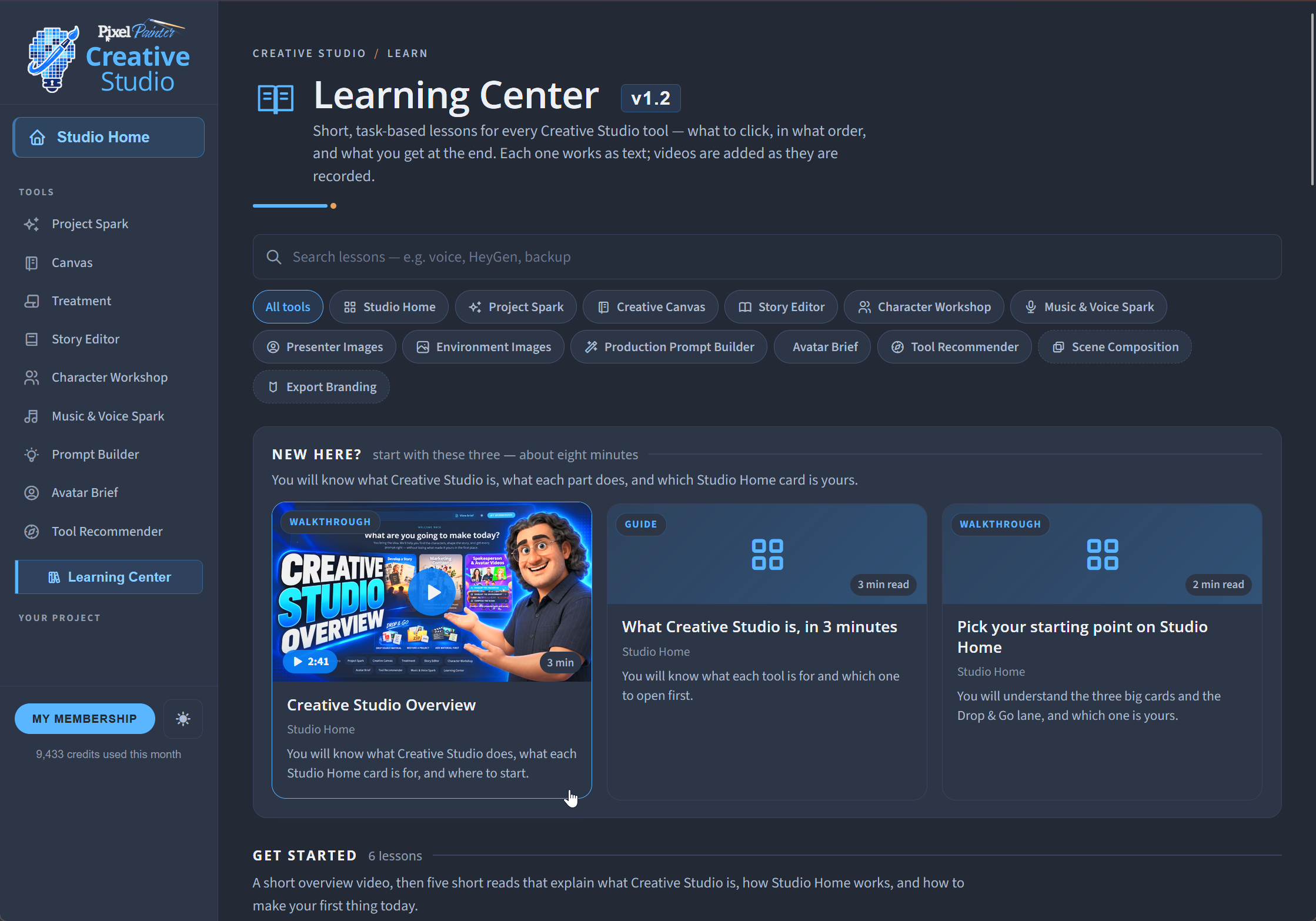
Creative Studio includes a built-in Learning Center with help for every major tool and workflow.
Find the tool you’re working in and jump directly to the related lessons — including quick-start guides, step-by-step instructions, workflow videos, and practical examples showing what to do and what you should have when you’re finished.
Whether you’re creating a presenter, building an environment, composing a scene, developing an Avatar Brief, or figuring out your next step, the guidance stays close to the work.
Learn the tool. Follow the workflow. Keep creating.
Turn your ideas into something
you can actually produce
Creative Studio is currently in Beta.
We’re finishing the production tools, Learning Center resources, and launch experience now. Public access will open when everything is ready.
No launch date has been announced yet.